
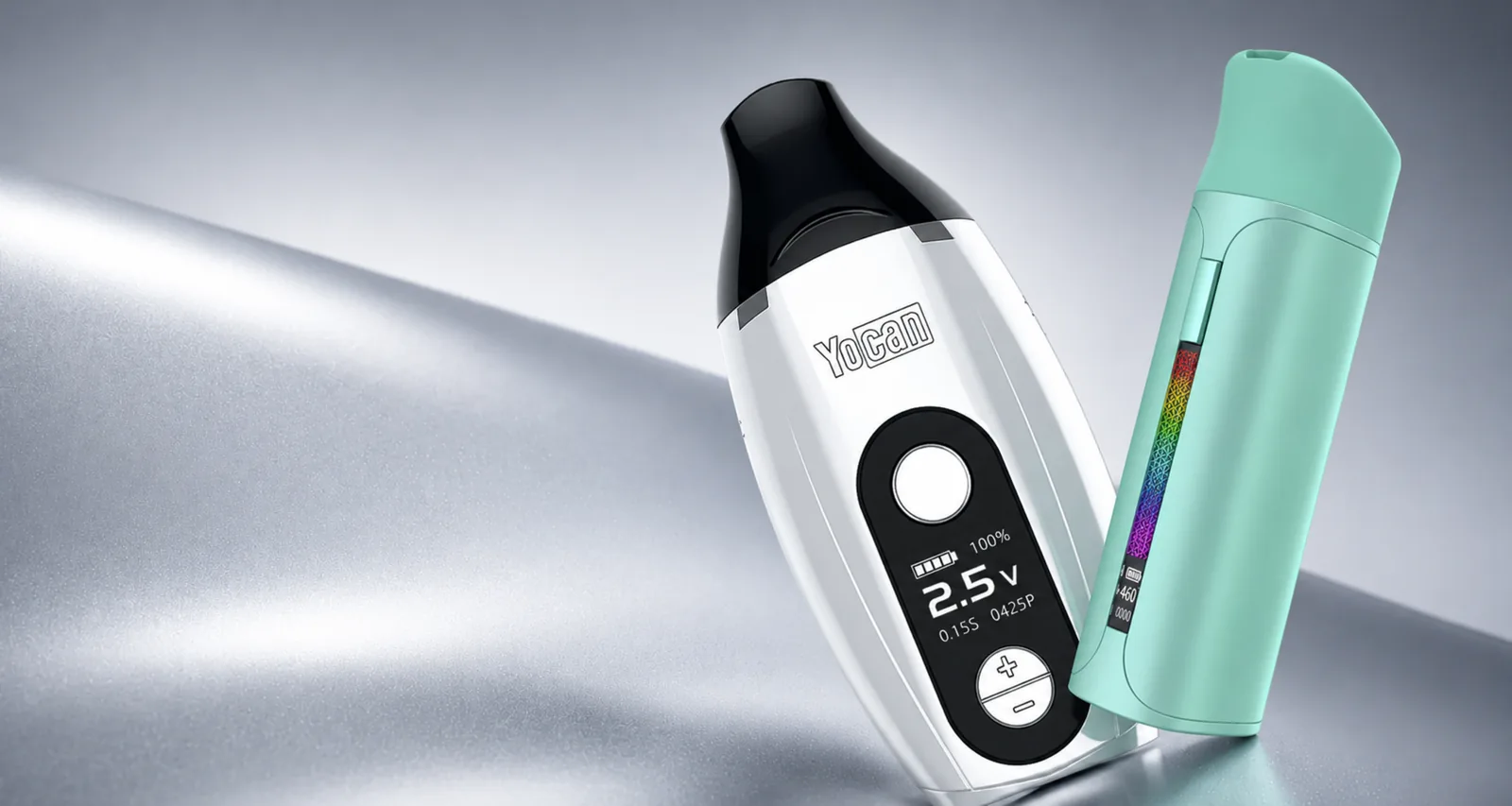
Counterfeit hardware is a quality and safety problem, not only a branding problem. A copied enclosure may contain an unknown battery cell, inaccurate charging circuit, or incompatible heating part. No single visual clue proves authenticity, so evaluate the seller, transaction, packaging, device, and support trail together.
Start with the seller
Check whether the seller is an authorized retailer for your region. Marketplace listings can be fulfilled by third parties even when a product page uses official photos. Record the legal seller name shown on the invoice, not only the marketplace name or social-media handle.
An unusually low price, no physical contact information, crypto-only payment, copied policy pages, or refusal to provide an invoice are warning signs. Discounts happen, but authentic distribution leaves a verifiable transaction record.
For Canadian customers, buying through the official Canadian storefront simplifies warranty assessment because the order, product, and customer-support trail stay connected.
Examine packaging without treating it as proof
Compare the model name, colour, included parts, warning labels, and print quality with current official product information. Look for spelling errors, inconsistent fonts, blurred graphics, missing safety information, duplicate serial or verification markings, and accessories that do not match the listed package contents.
Manufacturers update packaging, so a legitimate older box may not match the newest photo. That is why packaging is one signal rather than the final decision. Keep the box until you have tested the product and confirmed support eligibility.
Use official verification features
If the packaging includes an authenticity code, QR code, scratch panel, serial, or security label, follow only the official Yocan verification instructions. Type the official site address yourself rather than trusting a QR destination blindly. A counterfeit label can send you to a copied verification page.
Be cautious when a code reports that it has already been checked many times, does not match the model, or redirects to an unrelated domain. Save a screenshot of the result for support.
Inspect product construction
Authentic products should have consistent seams, readable markings, properly aligned ports, stable buttons, and model-appropriate accessories. Warning signs include rattling internal parts, sharp unfinished edges, loose charge ports, crooked screens, mismatched thread sizes, incorrect menu behaviour, and a battery that becomes unusually hot.
Colour differences in photos are not enough to call a product fake. Lighting, production batches, and display calibration all matter. Functional inconsistencies and missing safety behaviour carry more weight.
Do not open a battery to inspect internal parts. Opening the enclosure creates risk and may remove warranty eligibility.
Compare the exact model and firmware behaviour
Search the model name on official Yocan materials and compare button sequences, screen layout, voltage range, charging connector, included coil, and replacement-part family. Counterfeit or mislabelled units sometimes combine a familiar shell with controls that do not match the model.
Some differences are legitimate revisions. If the details are close but not identical, send photos to support before concluding that the unit is counterfeit.
Build a warranty-ready record
Keep the invoice or order confirmation, date of purchase, retailer name, model, packaging, and photos. When reporting a defect, describe what happened immediately before the issue and include the light pattern or screen message. A short focused video is more useful than a long general recording.
Warranty coverage depends on the product, seller, purchase date, condition, and nature of the fault. Consumable coils and damage from misuse are not treated the same as a qualifying manufacturing defect. Read the current warranty and returns policies before sending the product anywhere.
What to do when authenticity is uncertain
Stop using the device while it is being assessed. Do not continue charging a battery with unknown provenance, damaged insulation, swelling, leakage, or abnormal heat. Contact the seller first, then official Yocan support or the authorized regional retailer with your evidence — Canadian customers can contact our support team directly.
If the seller cannot verify the transaction or support the product, use the marketplace or payment-provider dispute process where appropriate. Do not resell a questionable unit to recover the cost.
Authentic replacement parts matter too
Coils, pods, magnetic adapters, and chargers affect the same electrical system as the battery. A part that fits physically may still use the wrong resistance, dimensions, or materials. Match replacement parts by exact model family and buy through a traceable source.
The strongest authenticity check is a chain of evidence: authorized seller, valid invoice, matching official specifications, credible verification markings, normal safety behaviour, and accessible warranty support. No logo sticker can replace that chain.
Common questions
Is Yocan Online Canada an authorized Yocan retailer?
Yocan Online Canada identifies itself as Yocan's official Canadian retailer and supplies products through the official distribution chain with Canadian support and qualifying manufacturer warranty coverage.
Does packaging alone prove a Yocan product is authentic?
No. Counterfeit packaging can imitate logos and colours. Seller authorization, invoice records, verification features, consistent model details, and support eligibility are stronger when considered together.
What should I send for a warranty check?
Provide the order number, seller, exact model, purchase date, photos of the device and packaging, the issue, and a short video when the fault is visible.
Should I use a device that looks counterfeit or damaged?
No. Stop using a questionable battery or heating device, especially if it runs hot, has poor insulation, a loose port, swelling, leakage, or inconsistent protection behaviour.