
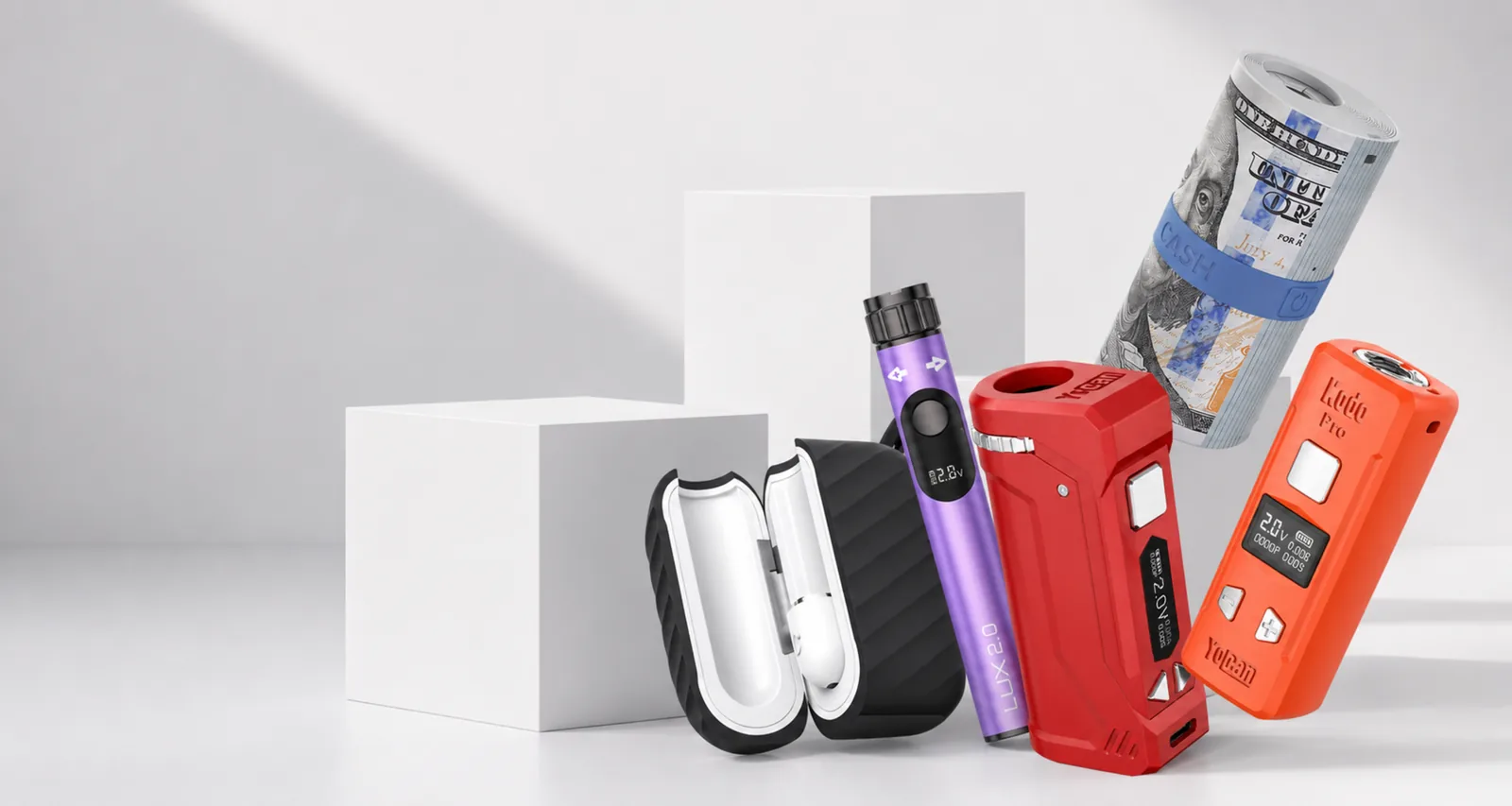
An LED blink code is the battery's quickest way to say that a protection circuit has interrupted power. The number of flashes is useful, but it is not a universal language across every Yocan generation. A three-blink pattern on one model may describe a short, while another model may combine the same fault with an on-screen message. Always identify the exact model before buying a replacement.
Quick answer: what the blink count usually means
Across most Yocan pens and 510 batteries, three flashes most commonly signal a short circuit or a poor atomizer connection, while ten or more flashes usually mean the battery is depleted or a protection cutoff has triggered. Use this table as the fast answer, then confirm the details in your model's section below.
| Blink count | Most common meaning | First fix to try |
|---|---|---|
| 3 blinks | Short circuit or atomizer connection fault | Remove the coil or cartridge, clean both contacts, and reseat finger-tight |
| 4–8 blinks | Connection fault, button lockout, or a model-specific protection state | Reseat the part, try the five-click power sequence, then check your model section |
| 10+ blinks | Battery depleted or protection cutoff | Recharge with a basic 5V USB source rather than a fast charger, then retest |
Safe checks to make first
Turn the device off, disconnect it from charging, and let it cool. Remove the cartridge, coil, pod, or atomizer. Inspect the threaded contacts for residue, bent metal, moisture, or torn seals. Use a dry cotton swab first; if the manual permits a lightly dampened swab, let every contact dry fully before reconnecting.
Do not probe the battery with metal tools, pry up a centre pin, or keep firing a device that becomes hot. Protection codes exist to stop unsafe electrical conditions. If the battery is swollen, cracked, leaking, unusually warm, or has a damaged charge port, discontinue use.
Yocan Evolve Plus and Evolve Plus XL blink codes
On Evolve-family wax pens, repeated flashes most often come from the atomizer connection. A coil that is not fully seated can produce the same symptom as a worn coil. Unscrew the atomizer base, remove the coil after it has cooled, clean the contact surfaces, and reinstall it finger-tight. Overtightening can compress seals or make the next removal difficult.
If the pen works with one coil but blinks with another, the second coil is the likely fault. Match the replacement to the exact Evolve model with the coil compatibility chart: Evolve, Evolve Plus, and Evolve Plus XL coils are not all interchangeable. If no compatible coil works after a full charge, the battery or atomizer base may need service.
Long blink sequences can also be a low-battery or timeout signal. Charge the battery with the recommended equipment, then test using short button presses rather than holding the fire button continuously.
Yocan UNI Pro blink and screen messages
The UNI Pro provides a screen, so read the text message together with the flashes. “No atomizer” means the device cannot detect a usable cartridge connection. Confirm that the magnetic adapter is threaded onto the cartridge, the adapter and chamber contacts are clean, and the cartridge height is adjusted so it sits securely.
A “shorted” message means the measured connection is outside the safe range. Remove the cartridge immediately. Test a different known-good cartridge and adapter only after cleaning and drying the contacts. If one cartridge triggers the warning on multiple batteries, stop using that cartridge.
If the display activates but the device will not fire, check the voltage setting, battery indicator, and button lock state. A screen that does not activate at all belongs in the charging checklist rather than the atomizer checklist. The UNI Pro guide shows the full adapter and cartridge installation sequence.
Yocan Kodo Pro blinking or “no atomizer”
The compact Kodo Pro threads directly onto a 510 cartridge. If it shows “no atomizer,” remove the cartridge and wipe both threaded surfaces. Reconnect until it is snug, then stop; tightening harder does not improve conductivity and can push or damage the cartridge contact.
Try a second standard cartridge. If the Kodo reads the second cartridge, the first cartridge is the problem. If it reads neither, inspect the Kodo thread for debris or damage. A repeated protection message with several known-good cartridges points to the battery and should be handled through support rather than home repair. Full setup and voltage steps are in the Kodo Pro manual.
Ten flashes or a very low battery icon generally means the battery needs charging. Let the Kodo cool before connecting USB-C power and avoid using an unknown high-output charger.
Yocan Ziva and Ziva Pro indicator lights
Ziva batteries conceal the cartridge inside the body, so airflow and seating matter. Remove the cartridge and confirm that it is not leaking. Clean the base of the cartridge and the internal contact without letting liquid run into the chamber. Reinstall the cartridge straight rather than at an angle.
Because some Ziva models are draw-activated, a blink can follow an airflow interruption as well as an electrical fault. Make sure the air path is unobstructed and that the cartridge dimensions fit the model. If a cartridge is too wide, forcing it into the chamber can damage both parts.
Yocan Orbit blink codes
The Orbit's coil-less quartz cup still relies on clean electrical contacts. Let the cup cool, remove it according to the manual, and inspect for residue beneath the removable assembly. Terp pearls should move freely in a clean cup; they do not fix a connection error and should never be used to force the device to fire.
If the Orbit flashes after a long button hold, the session timeout may have activated normally. If it flashes immediately on every press, reseat the cup and test after a full charge. Replace a chipped or cracked cup rather than continuing to heat it.
Yocan Magneto blinking
Magneto-family devices use magnetic connections that can collect residue. Separate the mouthpiece and atomizer only when cool, then clean the mating surfaces. Confirm that the coil cap and atomizer are aligned and seated. A loose magnetic assembly can look connected while still producing an unstable reading.
If cleaning does not change the pattern, test a compatible replacement coil. Do not substitute a visually similar coil from another product family; resistance and dimensions can differ even when threads appear close.
When the blink code means “replace the part”
Replace a coil or cartridge when it is visibly damaged, leaks into the connection, repeatedly triggers a short on more than one compatible battery, or still fails after cleaning and reseating. Seek a warranty assessment for an eligible battery, or replace it, when several known-good compatible parts produce the same fault, the charge port is loose, or the enclosure shows physical damage.
When contacting support, include the exact model, blink count or screen message, the part attached when the code appears, and a short video. Those details distinguish a battery fault from a consumable-part problem much faster than “it blinks.”
Common questions
Why is my Yocan blinking three times?
Three flashes commonly indicate a short circuit or an atomizer connection the battery cannot read. Remove the cartridge or coil, clean and dry the contacts, reconnect without overtightening, and test with a known-compatible part.
What do five blinks mean on a Yocan battery?
Five flashes vary by model but often point to a connection fault, low charge, or protection state. Check the model section in this guide and the device manual before replacing a part.
Why does my Yocan blink ten times?
Ten flashes usually indicate a depleted battery or a protection cutoff. Charge with the recommended cable and power source, then retest after the battery has cooled.
Can a damaged coil cause blinking?
Yes. A cracked, flooded, incompatible, or worn coil can create a short or unstable resistance reading. Stop using visibly damaged parts and install the exact compatible replacement.