
To use the Yocan Kodo Star, press the power button five times within two seconds to turn it on or off. Set voltage with the + and − buttons in 0.1 V steps from 1.8 to 4.2 V, and press the power button twice quickly for a 10-second, 1.8 V preheat. The Ω symbol marks the resistance reading.
Kodo Star at a glance
| Specification | Value |
|---|---|
| Battery capacity | 400 mAh |
| Voltage range | 1.8–4.2 V, adjustable in 0.1 V steps |
| Preheat | 1.8 V for 10 seconds |
| Display | Galaxy Full Display: voltage, heat-up time and battery level |
| Supported coil resistance | Above 0.8 Ω |
| Connection | Standard 510 thread |
| Charging | USB-C, 5 V/1 A, about 0.8 hours |
| Safety cutoff | 15 seconds of continuous heating |
| Automatic shutdown | After 1 hour |
| Size | 57 × 23 × 18.5 mm |
| Power on/off | 5 quick presses within 2 seconds |
Specifications are from Yocan's official Kodo Star manual and product information; the leaflet in your box remains the authority for your production version.
Parts and controls
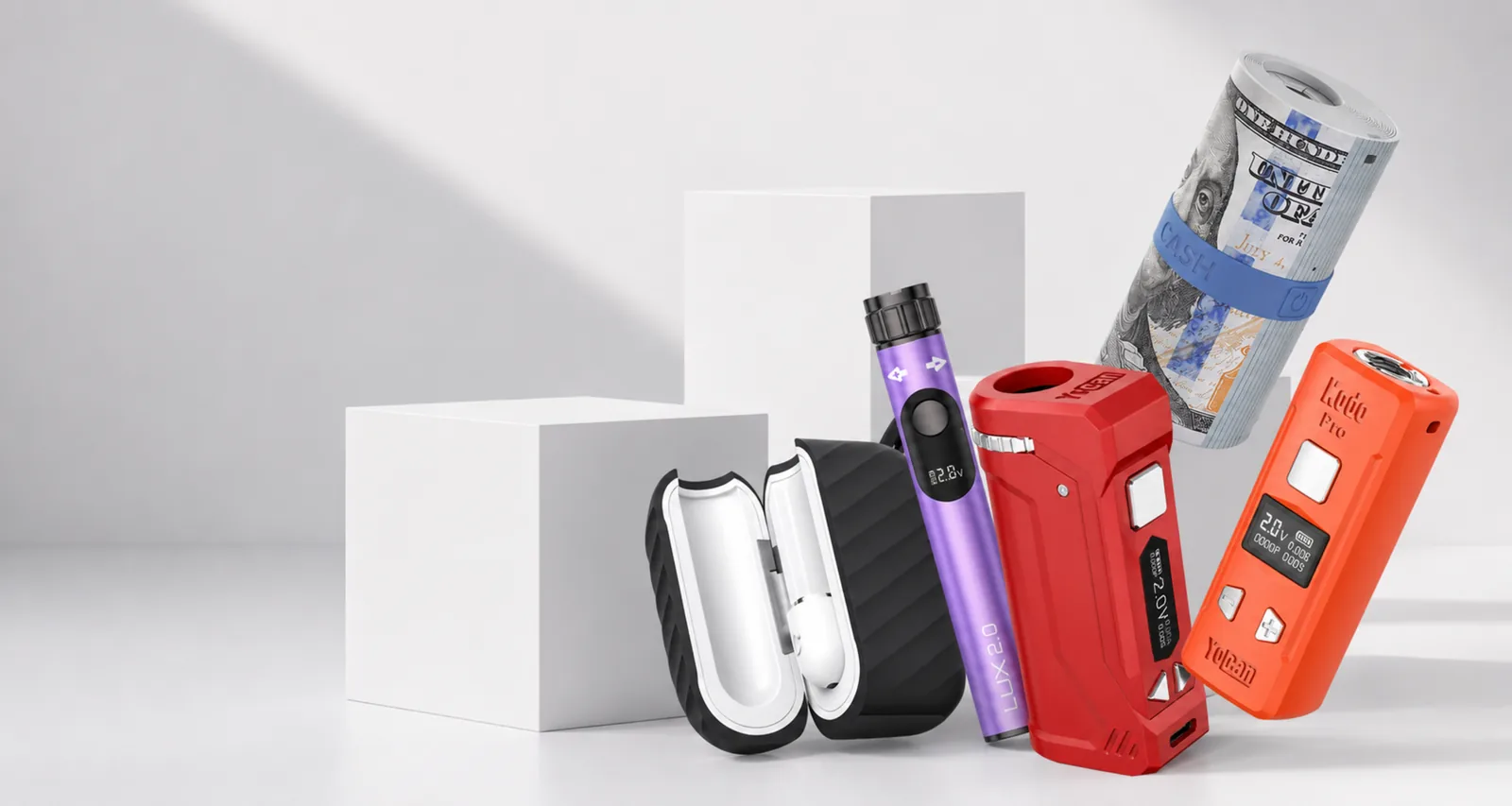
The Kodo Star 510 battery has three buttons and a Galaxy display. The round power button sits on one face with the + and − buttons below it; the Galaxy display is on another face. The 510 thread is on top and the USB-C charging port is at the base.
Thread a standard 510 oil cartridge onto the top until it is gently snug, then stop. Overtightening can push the cartridge's centre post down, which can cause connection or short warnings. Yocan's manual lists connecting the cartridge as the first step of setup.
Turning the Kodo Star on and off
Quickly press the power button five times within two seconds to turn the Kodo Star on. The same five presses turn it off. Presses spread over more than two seconds may not register, so if nothing happens, try again with a quicker, steady rhythm.
The screen turns off and enters sleep mode after about 10 seconds without use, according to Yocan's Kodo Star instructions. A dark screen does not mean the battery is off. Use the five presses to switch it off before putting it in a pocket or bag, so the button cannot be pressed by accident.
The Kodo Star also shuts itself down automatically after one hour, per Yocan's manual. If it is off when you pick it up, turn it back on with five presses.
To draw, press and hold the power button. Release it to stop.
Setting the voltage
Press + to raise the voltage and − to lower it. Each press moves 0.1 V, across a range of 1.8 to 4.2 V, and the setting appears at the top of the display next to the V symbol.
Begin near the low end of the cartridge maker's recommended range and raise the setting one step at a time only if needed. Higher voltage produces more heat and is not automatically better. If output tastes burnt or the cartridge becomes hot, lower the setting. The 510 cartridge voltage chart gives conservative starting bands.
If the numbers will not change, the setting may be locked. Yocan's Kodo Star instructions say that pressing a voltage button and the power button together disables voltage adjustment. Release the lock using the method in the leaflet supplied with your unit.
Using preheat
Press the power button twice quickly to start preheat. The Kodo Star then applies 1.8 V for 10 seconds, and Yocan's instructions say the screen shows 1.8 V while it runs.
To stop preheat early, press the power button twice quickly again, or remove the cartridge. Preheat is useful when cartridge contents have thickened in cool conditions. Keep the cartridge upright, and cancel preheat if it becomes hot. Repeated preheat cycles will not clear a blocked or damaged cartridge.
Reading the Galaxy display
The Galaxy display shows three readouts, labelled in Yocan's manual from top to bottom:
- Voltage, followed by V: your current output setting.
- Heat-up time, followed by s: the seconds of the current draw, counting up to the 15-second cutoff. Yocan's instructions say the last draw's duration stays on screen after you release.
- Battery level, beside a lightning-bolt symbol: shown in 10 per cent steps, reading 100 when fully charged and 00 when empty.
What the Ω symbol means
The Ω symbol stands for ohms, the unit of electrical resistance. When it appears, the number beside it is the Kodo Star's resistance reading of the cartridge on its 510 connection. Yocan lists the Kodo Star for coils above 0.8 Ω.
The Ω reading matters most when it flashes. Yocan's manual says the resistance reading and Ω flash three times when the cartridge is not connected, which the manual calls “No Load”. Yocan's instructions add that the screen reads 0 ohms with no load. This is the Kodo Star's version of the “No Atomizer” message that other Yocan batteries show in words.
Display warnings
| What flashes | Meaning in Yocan's manual | What to do |
|---|---|---|
| Resistance reading and Ω, 3 times | No load: cartridge not connected | Reseat, clean the contacts, try another cartridge |
| Voltage and V, 3 times | Short circuit | Remove the cartridge, dry the contacts, test a known-good cartridge |
| Whole screen, 5 times | Safety cutoff after 15 seconds of continuous heating | Release the button, then press again |
| Battery level and lightning bolt, 10 times | Low battery; the device stops working | Charge it |
Charging the Kodo Star
Charge the Kodo Star through its USB-C port with a standard 5 V USB source. Yocan's manual says fast charging is not supported, a full charge takes around 0.8 hours, and the battery level reads 100 when it is full. The battery has overcharge protection, but that is not a reason to leave it unattended.
The manual's safety warnings are worth following exactly:
- Do not use the device while it is charging.
- Do not charge it through a car, and do not leave it in a hot car.
- Do not overcharge it or charge it unattended.
- Do not expose it to extreme temperatures.
If the battery level never changes or no indicator appears, work through the not-charging checklist.
Fixing common Kodo Star problems
Kodo Star battery not working or won't turn on
Use five quick presses within two seconds, then charge it fully with a known-good cable and try again unplugged. If it only works while plugged in or switches itself off, the battery won't turn on guide covers each cause in order.
Ω flashing and the battery will not fire
The Kodo Star cannot detect the cartridge. Turn it off, remove the cartridge, wipe both 510 contacts with a dry cotton swab, and reconnect gently snug. If a known-good cartridge works, the first cartridge is at fault. The No Atomizer and Shorted guide has the full fix order.
V flashing
The battery has detected a short. Remove the cartridge immediately, check for leakage on the contacts, and let everything dry. A cartridge or attachment rated below 0.8 Ω is outside the Kodo Star's supported range and will keep triggering this protection.
It stops in the middle of a draw
A draw longer than 15 seconds triggers the safety cutoff, and the screen flashes five times. A low battery can also stop output during use. Release the button and charge the battery if the level is low.
The battery is hot, swollen or smells unusual
Stop using it straight away and do not reconnect it to a charger. Do not open it or pry at the 510 contact. Read our warranty policy and contact our support team with the model, what the screen shows and a short video.
Official references
Common questions
How do I turn on a Kodo Star battery?
Quickly press the power button five times within two seconds. Repeat the same five presses to turn it off before carrying or storing it.
What does the Ω symbol mean on the Kodo Star?
Ω is the symbol for ohms, the unit of resistance. It marks the battery's resistance reading of the cartridge. If the reading and Ω flash three times, the Kodo Star is not detecting a cartridge.
How do I change the voltage on the Kodo Star?
Press the + and − buttons. The Kodo Star adjusts from 1.8 to 4.2 V in 0.1 V steps. Start low and follow the cartridge maker's recommended range.
How do I use preheat on the Kodo Star?
Press the power button twice quickly. The Kodo Star runs a 10-second preheat at 1.8 V, and the screen shows 1.8 V while it runs.
Why is my Kodo Star battery not working?
Check that it is switched on with five quick presses and charged. Then read the screen: a flashing Ω means no cartridge detected, a flashing V means a short, and a flashing battery level means it needs charging.