
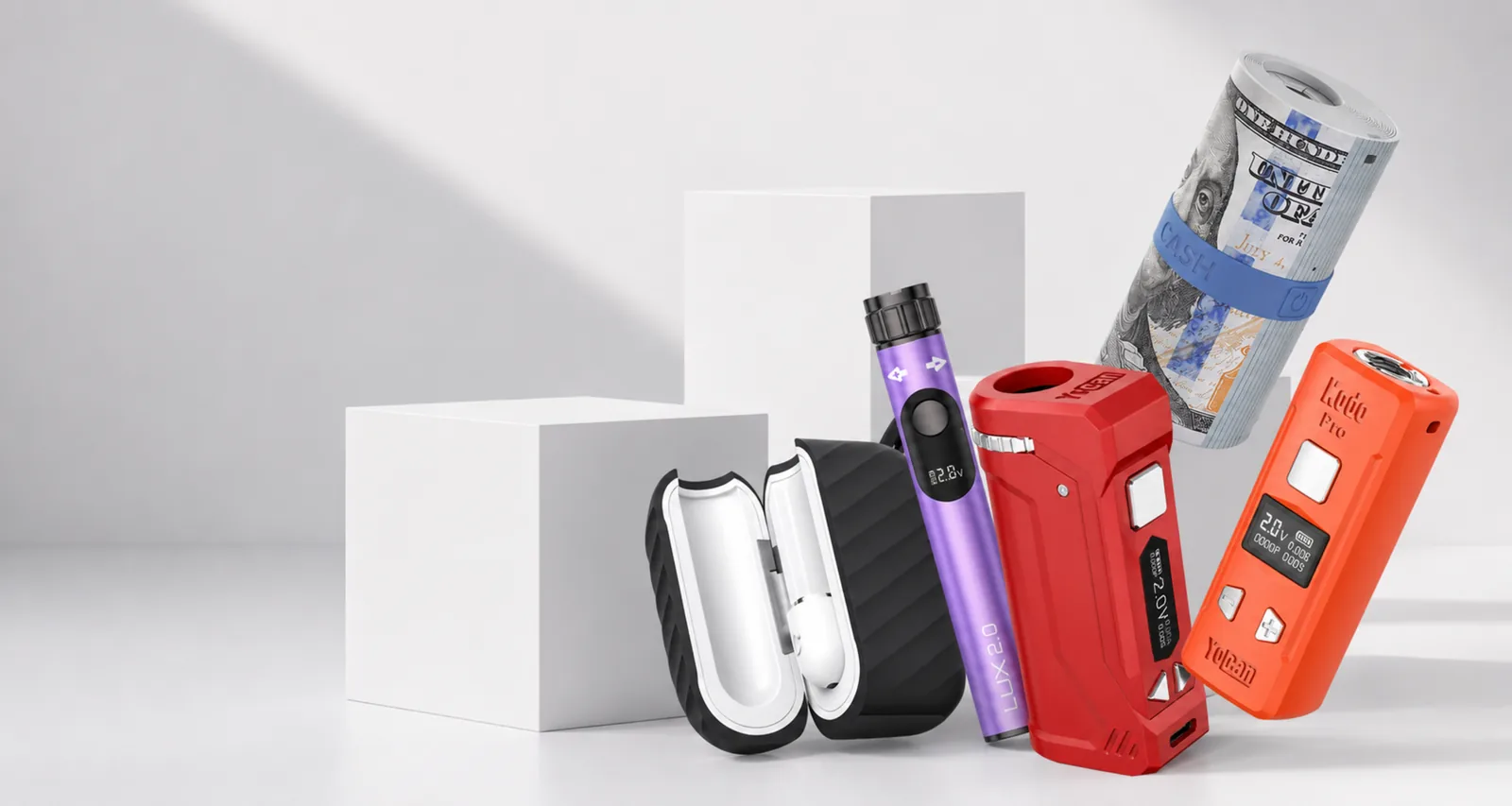
If your Yocan battery won't turn on, press the power button five times quickly, within about two seconds. If nothing happens, charge it until the indicator shows full and try again unplugged. A battery that works only on the cable, or shuts off by itself, usually has a flat or worn cell, a protection cutoff or a connection fault.
Quick diagnosis table
| Symptom | Most likely cause | First fix |
|---|---|---|
| No screen, no light, nothing | Battery is off or fully flat | Five quick presses; if still nothing, charge fully and retry |
| Works only while the cable is plugged in | Deeply depleted or worn cell | One full, uninterrupted charge, unplug, then five presses |
| Screen goes dark after a few seconds of no use | Normal screen sleep | Not a fault; the battery is still on |
| Stops mid-draw after about 15 seconds | Safety cutoff | Release the button and press again |
| Off when you pick it up after a long time | Automatic shutdown | Turn it back on with five presses |
| Turns on but shows No Atomizer or Shorted | Cartridge or connection | Follow the No Atomizer and Shorted guide |
| Ziva Pro buttons do nothing | Screen lock | Unlock with the sequence in your manual |
Work down the table in order. Each step rules out one cause, so the failed part becomes obvious without guessing.
Start with the five-click power sequence
Most buttoned Yocan 510 batteries turn on and off with five quick presses of the power button. Yocan's manuals and instructions give this sequence for the Kodo Pro, Kodo Star, UNI Pro, UNI 3.0 and Flat 2.0, and the Kodo Star and Flat 2.0 instructions specify five presses within two seconds. Presses spread over more than about two seconds may not register.
The same sequence turns the battery off, so a battery carried in a pocket or bag may simply have been switched off by accident. Try the sequence twice before assuming a fault.
Remove the cartridge while you test. A healthy battery normally powers on with nothing attached, and a cartridge fault cannot then confuse the result. If the battery powers on but warns that no cartridge is connected, the battery is alive and the problem is the cartridge or the connection.
Other models differ. The Ziva Pro uses a touch power key and locks its screen, and draw-activated batteries may have no conventional power-on step at all. For those, follow the leaflet supplied with your unit.
If it is completely dead, charge it properly
A battery with no response to five presses is usually flat. Charge it with a known-good cable and a standard USB power source on a stable surface where you can watch it. If the indicator never appears, work through the not-charging checklist for cable, port, temperature and contact problems rather than repeating those checks here.
A few model details help:
- Kodo Star: Yocan's manual says fast charging is not supported, a full charge takes around 0.8 hours, and the battery level reads 100 when full.
- Kodo Pro: the screen shows a LOW BATTERY message when it needs charging.
- Kodo Star: the battery level and lightning-bolt symbol flash 10 times when the battery is low, and the battery stops working.
A battery that has been in a cold car or outdoors may not respond until it returns to room temperature. Let it warm up naturally; never use a heater.
Why it only turns on when plugged in
When a battery works only on the cable, the cell is either too depleted to start the battery on its own or can no longer hold enough charge. The fix order is the same on every model.
- Do not use it while it charges. Yocan's Kodo Pro and Kodo Star manuals both say not to use the device while charging, so behaviour on the cable is not a useful test.
- Give it one full, uninterrupted charge with a known-good cable until the indicator shows full. Stay nearby while it charges.
- Unplug it, remove the cartridge, and use five quick presses.
- If it powers on, attach the cartridge and test at a modest voltage.
If the battery still dies the moment the cable comes out, or the level falls from full to empty within a few uses, the cell is worn or faulty. Rechargeable cells lose capacity with age and charge cycles, so a battery that suddenly stops after months of regular use may simply have reached the end of its life. Long storage while fully empty can have the same result.
If the battery works only when the cable is held at an angle, the charge port is damaged. Stop using it; an intermittent port connection can create heat.
Why it turns off by itself
Many “random” shut-offs are designed protections working as intended. Identify which one you are seeing before replacing anything.
Screen sleep
Yocan's Kodo Star instructions say the screen turns off and enters sleep mode after about 10 seconds without use. A dark screen is not the same as the battery being off, so still use five presses to switch it off before carrying it.
15-second safety cutoff
Holding the button for more than 15 seconds stops output. The Kodo Pro shows OVER TIME; Yocan's manual says to release the button and press again to continue. On the Kodo Star, the whole screen flashes five times and output stops.
Automatic shutdown
The Kodo Star and Flat 2.0 list a one-hour automatic shutdown, so a battery left switched on may be off when you next pick it up. Turn it back on with five presses.
Low battery under load
A nearly empty battery may switch on but cut out during a draw. Yocan's Kodo Star instructions say output stops if the battery voltage drops too low during use. Charge it fully and retest.
Screen lock on the Ziva Pro
Yocan's Ziva Pro FAQ says the screen locks automatically after 10 seconds without use, and other steps will not work until it is unlocked. A locked Ziva Pro can look dead. Use the unlock sequence in the manual supplied with your unit.
Connection and short protection
A weak connection between battery and cartridge can make a battery fire for a second and then stop, a pattern Yocan describes in its own troubleshooting article. Short-circuit protection also stops output instantly. If you see a message or flash pattern, decode it with the No Atomizer and Shorted guide or the blink-code guide.
Model notes
- Kodo Pro: five quick presses; the manual's display table pairs the “Kodo Pro” and “Take Care” screens with turning on and off. Full controls are in the Kodo Pro manual.
- Kodo Star: five presses within two seconds; warnings appear as flashes on the Galaxy display. See the Kodo Star manual.
- UNI 3.0: three presses of the power button opens the display-theme menu, according to Yocan, so a screen that suddenly looks different may simply have changed theme.
- LUX 2.0, Ari 2.0, Hito and Kodo Plus: follow the power and light instructions in the leaflet supplied with your unit, then use the same charge-and-retest order above.
When to stop and get warranty support
Stop using the battery immediately if it is hot, swollen, cracked or leaking, or smells unusual, and do not reconnect it to a charger. Do not open the battery, bridge contacts or try to bypass a protection cutoff.
If the battery still will not turn on after a full charge with a known-good cable, the five-press sequence and a test with no cartridge attached, it needs a warranty assessment. Yocan's standard quality guarantee for qualifying devices is three months from purchase, and Yocan asks buyers to claim through the seller first. Read our warranty policy, then contact our support team with the model, what the screen or light does, the cable you used and a short video.
Official references
Common questions
How do I turn on a Yocan battery?
Most buttoned Yocan 510 batteries, including the Kodo Pro, Kodo Star, UNI Pro, UNI 3.0 and Flat 2.0, turn on and off with five quick presses of the power button. Yocan's Kodo Star and Flat 2.0 instructions say within two seconds.
Why does my Kodo Pro only turn on when it is plugged in?
The cell is usually too depleted, or too worn, to run the battery on its own. Give it one full charge, unplug it, then use five quick presses. If it dies again as soon as the cable comes out, it needs a warranty assessment.
Can I use my Yocan battery while it charges?
Yocan's Kodo Pro and Kodo Star manuals both say not to use the device while charging. Disconnect the cable before use.
Why does my Yocan battery turn off by itself?
Usually a built-in protection: screen sleep after a short idle period, a 15-second safety cutoff, an automatic shutdown, low-battery protection, or short-circuit protection. A weak cartridge connection can also cut a draw short.
When should I stop troubleshooting and replace the battery?
Stop at once if it is hot, swollen, cracked or smells unusual. Seek warranty support if it still fails after a full charge, the five-click sequence and a known-good cartridge.